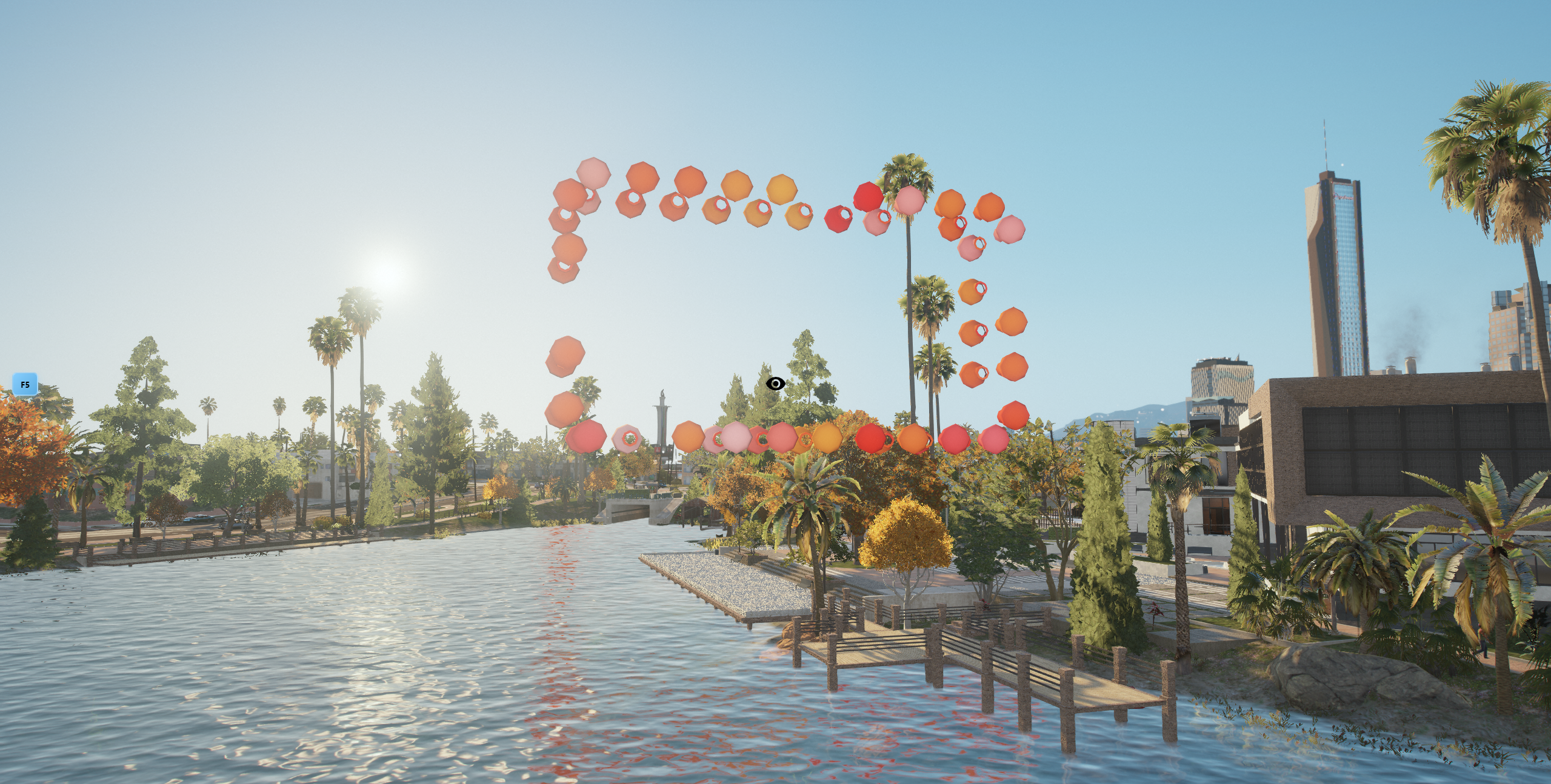
New Lake

Installation insturctions and info

Introduction

By downloading map from your CFX account you will recive .zip archive called "NTeam New Lake.zip"

Inside NTeam New Lake.zip you will see 3 folders: 1. cfx-nteam-newlake ( map files ) 2. New Lake - Mechanic Compability ( Fix for our CC Mechanic map ) 3. New Lake - River Compability ( Fix for our River map ) Follow detailed insturctions "Readme.txt" inside those folders if you use NTeam River or NTeam Mechanic map

Installation

  1. Upload cfx-nteam-newlake to your resources folder

  2. Ensure "cfx-nteam-newlake" in your server.cfg

  3. Restart your server

If you occur any errors feel free to contact us on our discord server using ticket system. Be aware that you will need proper tbx-code of transaction in order to open ticket.

Known issues

If you can see NVE ( graphic mod ) lights you will have to delete remove the nve animated lights rpf from client-side mods folder \AppData\Local\FiveM\FiveM.app\mods

Last updated